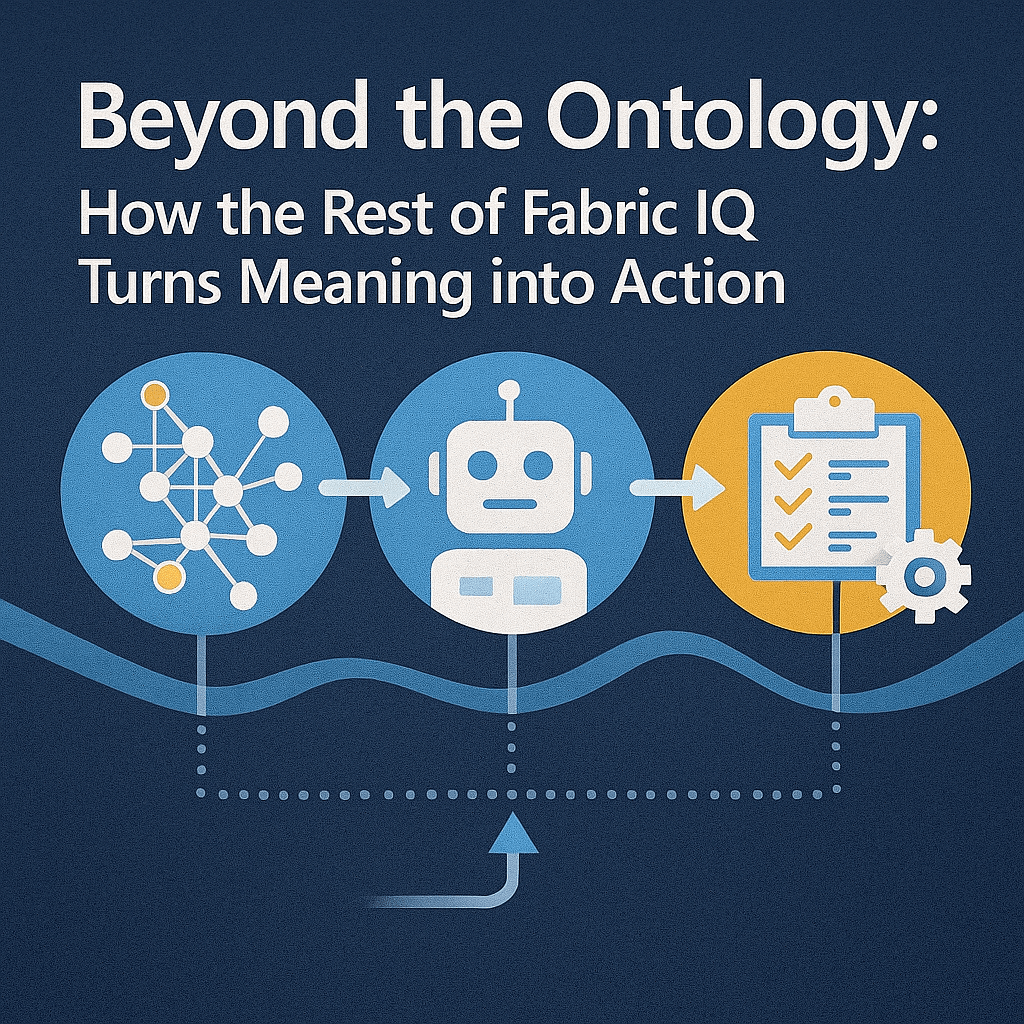
Yesterday we went deep on Fabric IQ’s Ontology—the shared vocabulary that teaches Microsoft Fabric how your business actually talks. Today we’ll zoom out to everything else: the graph that lets insights travel across relationships, the agents that answer questions and watch your operations in real time, and the governance and integration that make it usable at scale.
Continue reading “Beyond the Ontology: How the Rest of Fabric IQ Turns Meaning into Action”Category: Uncategorized
From Tables to Meaning: A Deep Dive into Microsoft Fabric IQ’s Ontology (Preview)
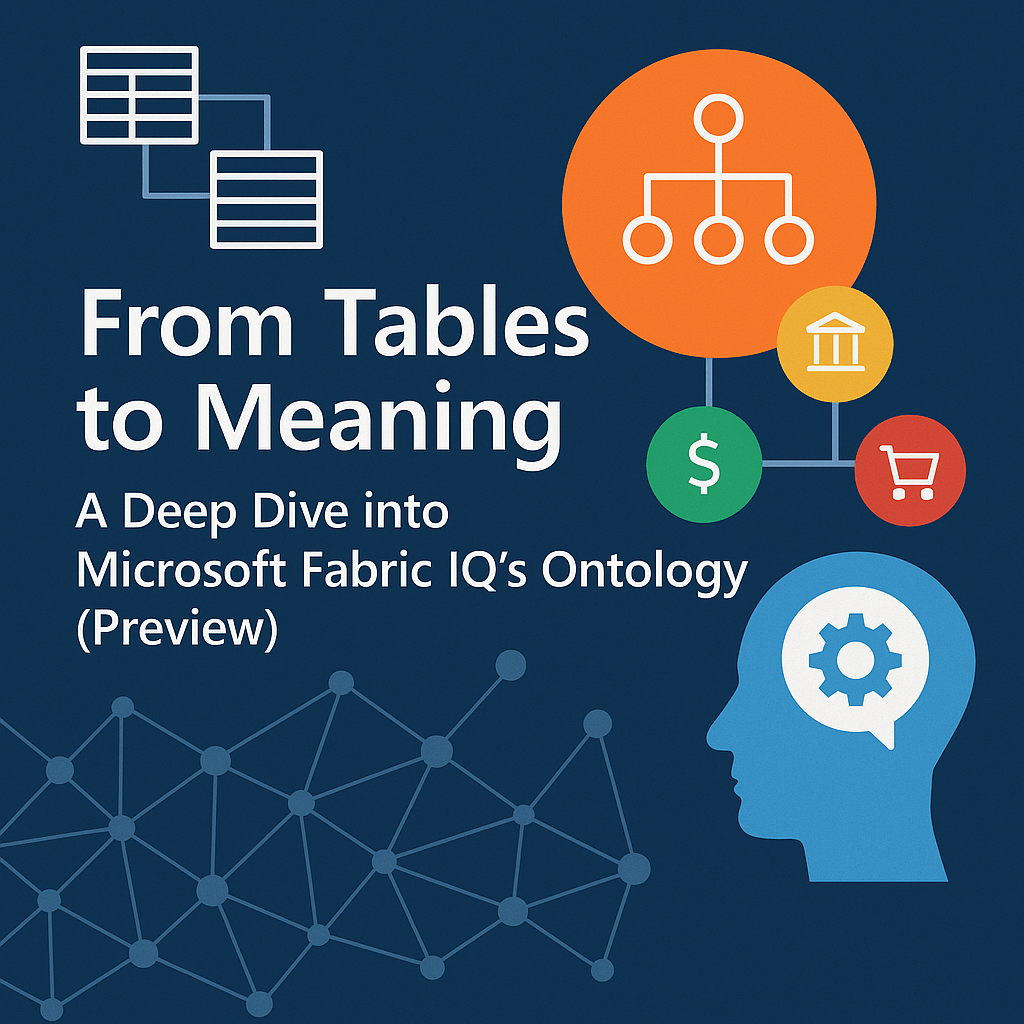
AI agents don’t fail for lack of data—they fail for lack of meaning. Microsoft Fabric IQ’s new ontology capability tackles that head‑on by modeling the business concepts, relationships, and rules that live across your estate, then binding them to live data so agents (and people) can ask better questions and take smarter action.
Continue reading “From Tables to Meaning: A Deep Dive into Microsoft Fabric IQ’s Ontology (Preview)”Start With Meaning: Elevating the Ontological Layer Above Your Semantic Layer
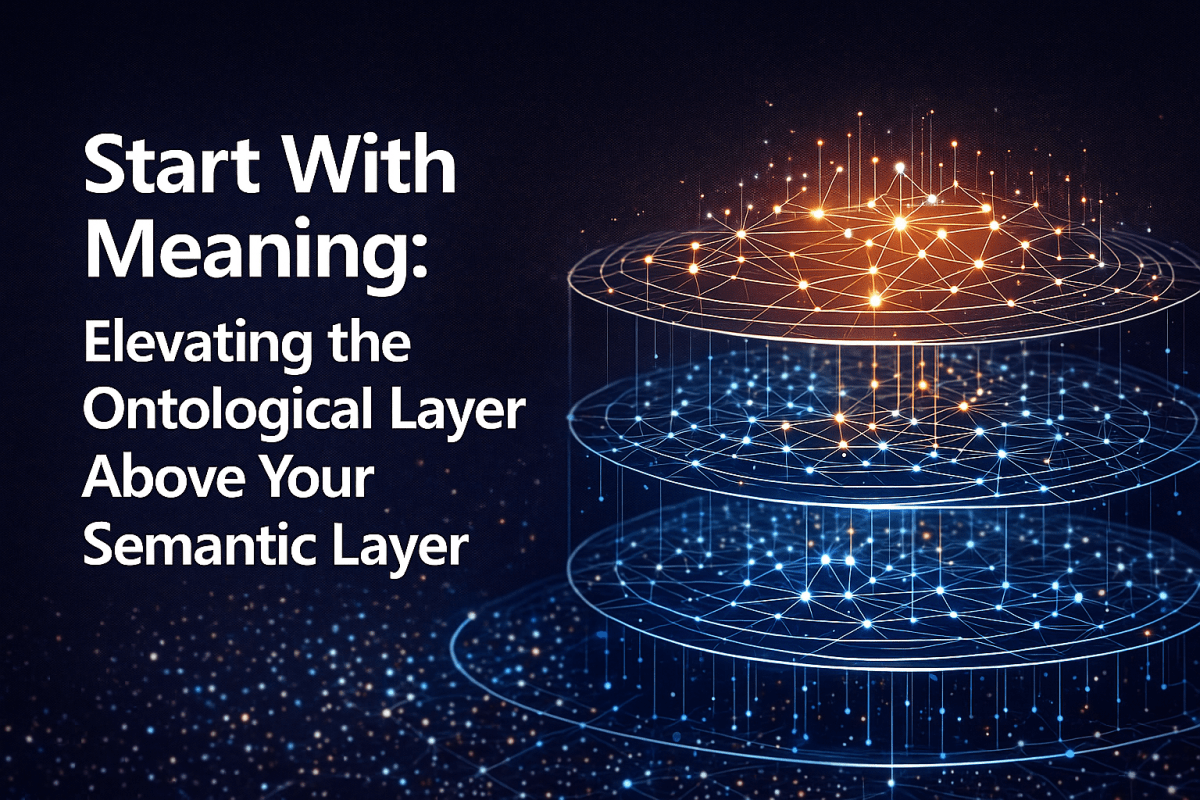
Your metrics are only as reliable as your nouns. If “customer,” “order,” or “revenue” shift between teams or tools, analytics becomes negotiation instead of decision. The way out is to put meaning first—an ontological layer that anchors everything—and then let the semantic layer deliver that meaning at speed and scale.
Continue reading “Start With Meaning: Elevating the Ontological Layer Above Your Semantic Layer”SQL Server 2025 at Ignite: Why This Release Matters—and What to Do Next
In brief: SQL Server 2025 is generally available with built‑in AI, major developer conveniences, sturdier performance/availability behaviors, and licensing/edition changes that lower the cost of entry. Below I frame the release around three themes—AI + developer experience, performance + resilience, and product/edition shifts—and close with concrete first steps you can act on today.
Continue reading “SQL Server 2025 at Ignite: Why This Release Matters—and What to Do Next”SAP Business Data Cloud Connect for Microsoft Fabric: The New Backbone of Your Data‑Product Strategy
SAP and Microsoft have just taken away one of the biggest excuses for slow analytics and AI on SAP: “We can’t move that data safely or reliably enough.”
At Microsoft Ignite 2025, they announced SAP Business Data Cloud (BDC) Connect for Microsoft Fabric—a new capability that lets you share SAP Business Data Cloud data products and Microsoft Fabric data sets bi‑directionally, with zero‑copy, and have those products show up natively in OneLake and back in BDC.
Planned for general availability in Q3 2026, this isn’t “yet another connector.” It’s the missing link between SAP’s data‑product‑centric Business Data Cloud and Microsoft’s Fabric platform. It’s also where SAP Databricks, Azure Databricks, and Fabric line up as peers rather than competitors.
Continue reading “SAP Business Data Cloud Connect for Microsoft Fabric: The New Backbone of Your Data‑Product Strategy”Azure HorizonDB at Ignite 2025: What It Is, Why It Matters, and How to Think About It
Microsoft used Ignite 2025 to put a new flag in the ground for Postgres at cloud scale. Azure HorizonDB—branded as “HorizonDB”—promises the elasticity of a cloud-native architecture, the familiarity of PostgreSQL, and integrated AI features that shorten the path from schema to shipped app. Here’s what was announced, why it matters, and how to evaluate it for your stack.
Continue reading “Azure HorizonDB at Ignite 2025: What It Is, Why It Matters, and How to Think About It”Azure DocumentDB Is Back—And Open: Why the Ignite 2025 Launch Matters
If you’ve been around Azure long enough, the name “DocumentDB” triggers déjà vu. But at Microsoft Ignite (Nov. 18–21, 2025), DocumentDB returned with a different meaning: an open‑source, Linux Foundation–governed, MongoDB‑compatible engine now powering a first‑party Azure service. Here’s why that matters—and where it fits in your data strategy.
Continue reading “Azure DocumentDB Is Back—And Open: Why the Ignite 2025 Launch Matters”Ignite 2025 Beyond the Data Platform: How Microsoft Is Turning Everything Into an Agent Platform
Microsoft Ignite 2025 is officially the “Frontier firm” show—agents everywhere, all at once. If you’ve been tracking the data platform news (Fabric, databases, OneLake), you already know that story. This post looks at the rest of the landscape: Windows, Microsoft 365, Teams, Edge, security, Azure infra, and the growing partner ecosystem that’s rapidly filling in the agent-shaped gaps.
I’ll walk through the major non‑data platform announcements and highlight where Microsoft and partners are quietly reshaping the application, OS, and security layers around #Copilot, #AgenticAI, and #MSIgnite. Then we’ll close with what this means for architects and teams trying to build something coherent on top of all of this.
Continue reading “Ignite 2025 Beyond the Data Platform: How Microsoft Is Turning Everything Into an Agent Platform”Microsoft Ignite – Wrap Up and Data Platform News
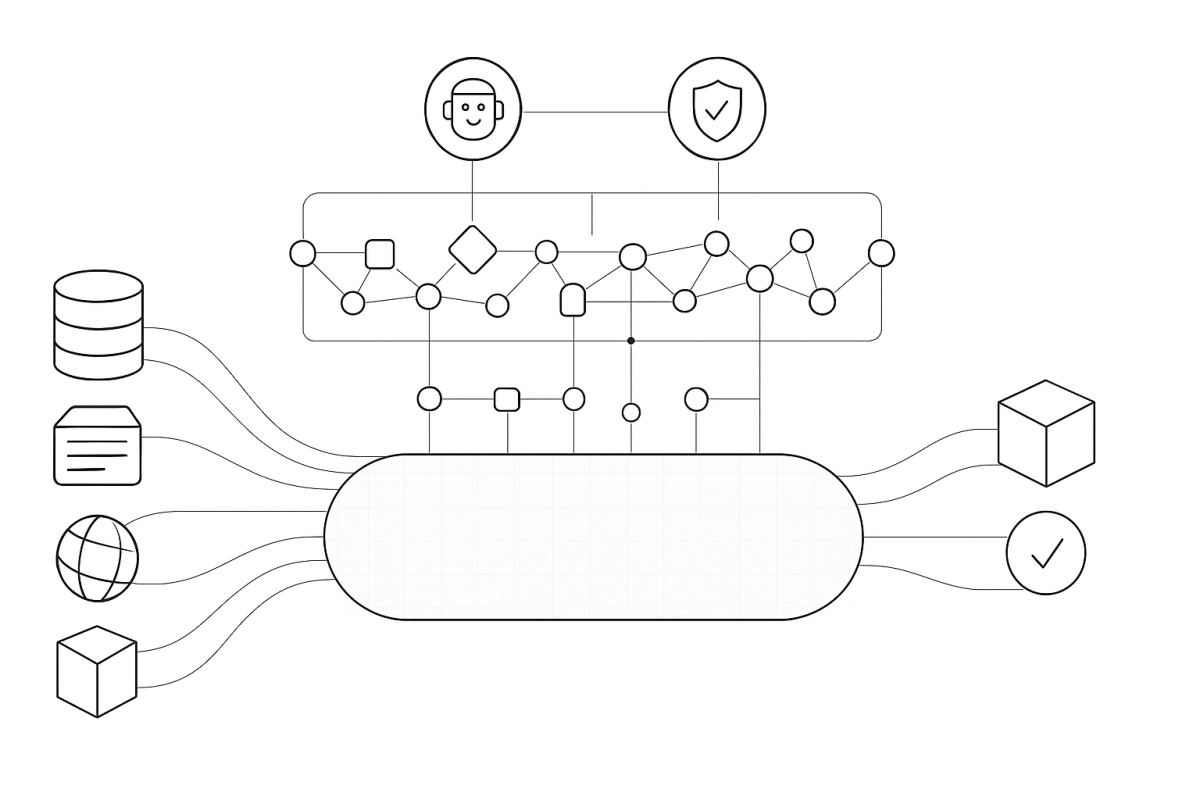
It’s always hard to sit down and fully absorb the information you get at a conference like Microsoft Ignite. You spend a week living in and around the tech world, just trying to drink in everything and interact with as many people as possible. I’m still doing more than a little digesting about what all of these announcements last week have meant, but I’m excited about quite a few of them, especially on the data platform side.
Continue reading “Microsoft Ignite – Wrap Up and Data Platform News”Secrets in Fabric: The Breaches That Prove Why Keys Don’t Belong—And How Workspace Identity Fixes It
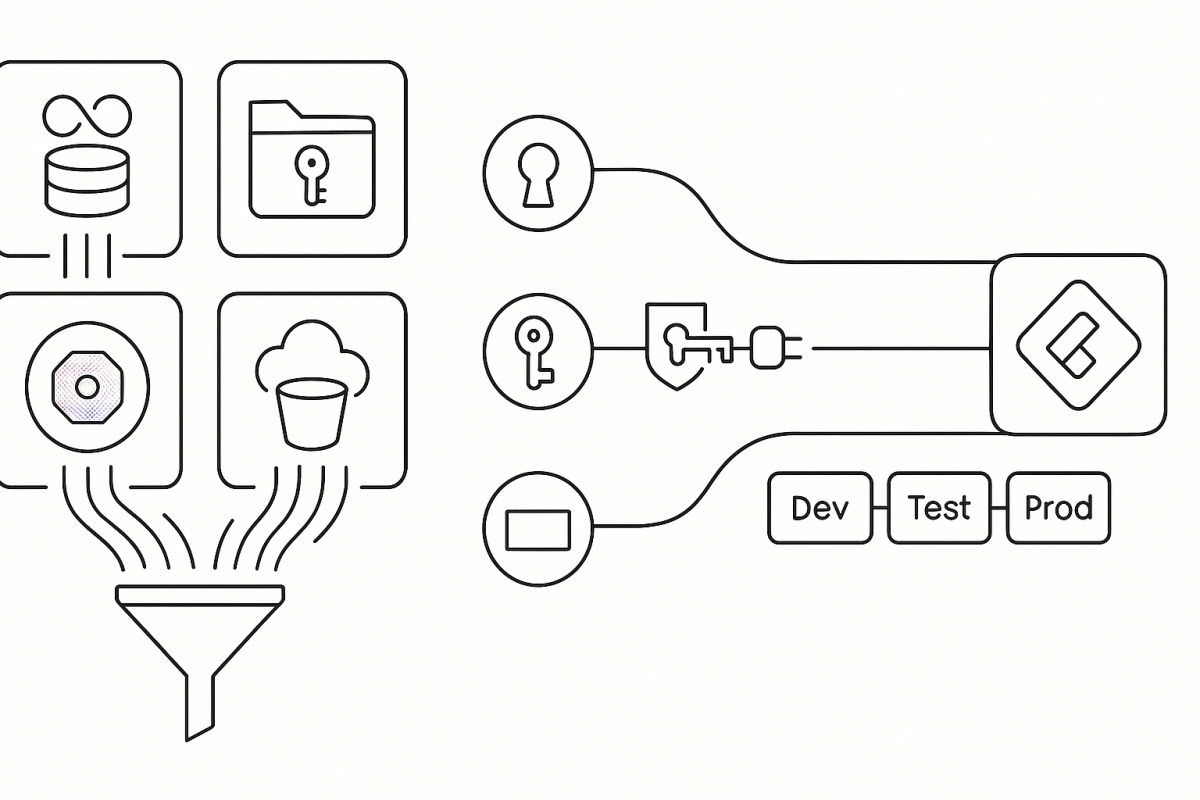
Credentials embedded in Fabric items (notebooks, dataflows, pipelines, semantic models) are a design flaw; three recognizable incidents that show how secrets leak at scale (though none involved Fabric); and the Fabric‑native path forward—Workspace Identity by default, Azure Key Vault references when you must use a secret, and connections that keep CI/CD boring and secure.
The pattern behind the big breaches (and the Fabric takeaway)
These incidents vary in logo, not in lesson: credentials landed in code or repos, automation spread them, rotation lagged, and trust took the hit.
- Uber AWS credentials in GitHub — breach October 2016, disclosed November 21, 2017.
Attackers pulled keys from a private repo and accessed S3, impacting 57 million riders and drivers; Uber later acknowledged the incident publicly. Fabric takeaway: if secrets ride along in Git, a private branch is not a safety boundary. Keep artifacts secret‑free. - The New York Times GitHub token — stolen January 2024, leak surfaced June 8, 2024.
A compromised GitHub token enabled access to repos; ~270 GB of internal code later appeared on 4chan, confirmed by the Times. Fabric takeaway: treat tokens as crown jewels—store in Key Vault, not in developer workflows; wire Fabric items to connections that authenticate without handling raw secrets. - Toyota T‑Connect key exposure — October 7, 2022.
A secret key left in a public repo for nearly five years exposed data for ~296,000 customers. Fabric takeaway: the half‑life of a leaked key is longer than a sprint. Eliminate static secrets where possible, or centralize and rotate them.
In every case, the root cause wasn’t exotic malware—it was a credential where it didn’t belong.
Why secrets don’t belong inside Fabric items
Fabric is designed so items use credentials via governed connections—not embed them in code or metadata. The moment you enable Git integration, item definitions flow to a branch where pull requests, diffs, and automation increase the blast radius of any embedded key. Keep definitions in Git; keep secrets out.
Deployment Pipelines help with promotion, and deployment rules can remap endpoints across Dev/Test/Prod. They won’t sanitize a password tucked into M, SQL, or a notebook cell. Centralize authentication in connections (or better, identity), then let rules handle environment drift.
Tenant administrators can also govern who may share connections in Manage connections and gateways, reducing scatter and drift.
Workspace Identity in Fabric (the default path)
What it is.
A Workspace Identity is an automatically managed Microsoft Entra application (service principal) tied to a Fabric workspace. Fabric items can authenticate to resources that support Entra auth without storing keys, passwords, or SAS tokens. Fabric admins can view and govern these identities in the admin portal.
What it unlocks.
Workspace Identity enables secure access to firewall‑enabled ADLS Gen2 through Trusted workspace access (TWA)—you allow specific Fabric workspaces to reach a storage account using resource instance rules. It also lights up authentication for supported connectors across Dataflows Gen2, pipelines, and (in many scenarios) semantic models and lakehouses.
How to use it well (short, practical path).
Create a workspace identity in Workspace settings, then grant it least‑privilege roles (for example, Storage Blob Data Reader/Contributor) on the target resource. For ADLS Gen2 behind a firewall, enable Trusted workspace access and add the workspace via resource instance rules; then consume the data through a OneLake shortcut, pipeline, or model—no account keys, no SAS. Note that TWA requires an F‑SKU capacity (not Trial).
Where it shows up in the UI.
When you create connections to ADLS Gen2, Workspace Identity appears as a supported authentication option. Fabric documents where WI works (shortcuts, pipelines, Dataflows Gen2, semantic models) and where it doesn’t.
Current considerations.
Feature support is expanding, but not universal; consult connector docs before assuming WI is available everywhere. Some WI/TWA connections are created from item experiences (e.g., shortcut or pipeline wizards) rather than from Manage connections and gateways, and a few management tasks remain workspace‑scoped.
Why it matters.
Using Workspace Identity removes entire classes of failure: no secret sprawl, no expired tokens breaking refresh, no surprises in PR diffs. It’s the Fabric‑native way to align with Zero Trust without slowing development.
When a secret is unavoidable: vault and reference it
Sometimes a vendor API still requires a key. In those cases:
- Use Azure Key Vault references for Fabric connections. Create a Key Vault reference once, bind supported connections to it, and let rotation happen centrally. This preview feature is now broadly documented and managed from Manage connections and gateways.
- Fetch at runtime in notebooks—never store in code. Use
notebookutils.credentials.getSecret(vaultUri, secretName); don’t print secrets or write them to files or logs. - Manage semantic‑model credentials in the service. Cloud sources don’t need a gateway, but data source credentials live in model settings—keep them out of queries and parameters and prefer identity where supported.
CI/CD that stays boring (in the best way)
Connect your workspace to Git for version control, reviews, and history—but only after you’ve moved credentials into Workspace Identity or Key Vault–backed connections. Use deployment rules to remap endpoints across stages without rewriting credentials. That combination gives you clean repos and predictable promotions.
A compact blueprint you can adopt now
- Make WI your default. Create a Workspace Identity, grant least‑privilege roles, and enable Trusted workspace access for ADLS Gen2. Replace SAS/keys with OneLake shortcuts, pipelines, or models that use WI.
- Vault the rest. Add Azure Key Vault references to connections; in notebooks, call NotebookUtils at runtime.
- Keep Git clean; let rules do the switching. Use deployment rules to point artifacts at Dev/Test/Prod endpoints; never commit secrets. Govern connection sharing in Manage connections and gateways.
Summary—and the next step
The headline breaches didn’t hinge on sophisticated exploits; they hinged on secrets in repos. In Fabric, the durable fix is to remove static secrets with Workspace Identity wherever possible and centralize unavoidable credentials with Azure Key Vault–backed connections. Wire your items to connections, not copied keys; let deployment rules handle environment drift. Start today by enabling Workspace Identity on one workspace and converting a single SAS‑based connection into TWA or AKV—then rinse and repeat.
 EduDataSci - Educating the world about data and leadership