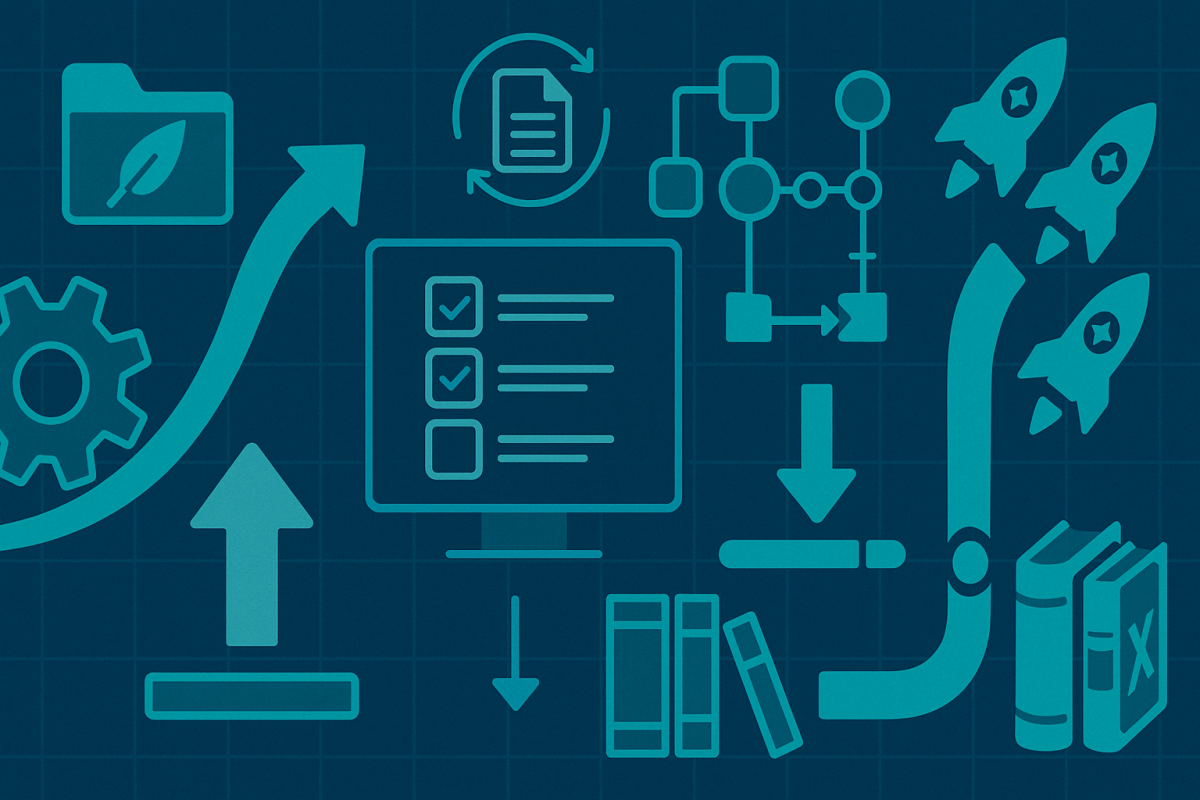
I keep saying the quiet part out loud: a modern warehouse ships meaning and trust, not just tables. If meaning changes invisibly, trust evaporates. Releases, Release Flow, and CI/CD in Microsoft Fabric are how you move quickly and keep confidence—by making change observable, reversible, and governed. Fabric’s Variable Library and a deliberate, database‑level metadata library are the glue that make this work day to day.
A release in data: shipping meaning deliberately
A release in data engineering is a versioned bundle—models, DDL, pipelines, notebooks, semantic definitions, and the permissions posture—promoted through environments with intent and traceability. In Fabric, Deployment Pipelines formalize that path (Dev → Test → Prod), including stage‑specific rules that swap connections and parameters so the same artifact behaves correctly in each stage. This keeps tests real but safe and turns promotion into a controlled, reversible act.
Staging should mirror production closely enough that behavior is predictable. Use OneLake Shortcuts to expose prod‑shaped data without copying petabytes, so performance and edge cases surface before users do.
CI in Fabric: prevent “looks fine locally” from reaching people
CI earns its keep the moment it blocks a bad deploy. In Fabric, keep the spine simple:
- Git integration ties workspaces to branches, making every change reviewable and reproducible. (Mind the “supported items” list as it evolves.)
- Validate invariants early: compile, lint, and assert keys, referential links, distribution bounds, and metric semantics in your pipelines/notebooks. When CI fails, the business doesn’t.
- Keep shape realistic: Test with shortcuts and stage‑correct connections so volume, permissions, and latency aren’t surprises later.
CD in Fabric: promote with intent, cut over without drama
Continuous Delivery is less about auto‑pushing and more about predictable promotion:
- Promote via Deployment Pipelines and stage rules; treat backfills as first‑class release artifacts you observe in the Monitoring hub.
- Use Power BI App audiences to canary new semantic models and reports to a small internal group; widen only when drift and performance are acceptable.
- When you outgrow clicking, automate promotion with the fabric‑cicd library in GitHub Actions or Azure DevOps, using service principals for least privilege.
Where Release Flow fits (and why it works for data)
When we say “reflow,” we mean Release Flow—Microsoft’s trunk‑based model with sprint‑scoped release branches and cherry‑picked hotfixes. Keep main moving; cut a release branch to stabilize; merge fixes to main first, then cherry‑pick to the release. Map Dev to main, Test/Prod to the release branch, and promote through your pipeline. It’s fast, auditable, and avoids “fixed in prod, broken next release.”
Variable Library: stage‑aware configuration without hard‑coding
Fabric’s Variable Library is a workspace item that holds named variables and their values per pipeline stage. Items like Data Pipelines and Dataflow Gen2 can consume these variables directly, so the same artifact resolves the right connection, path, or toggle in Dev/Test/Prod—no string‑surgery, no accidental “Test reading Prod.” This is application lifecycle management (ALM) for configuration, not a bag of ad‑hoc parameters.
In practice, Variable Library becomes your single source for things like:
- connection aliases (e.g.,
sales_wh_conn,bronze_lake_path), - time windows and data slices for CI runs (e.g., “last 3 days”),
- feature toggles (e.g., enable a new scoring routine only in Test),
- stage‑specific destinations (schemas, lake folders) used by pipelines and dataflows.
Because values are bound by stage, a promotion flips behavior without editing code—exactly what you want when reliability and auditability matter.
Safe development and effective testing, Fabric‑style
Develop in isolated workspaces tied to branches. Use Variable Library values to bind stage‑correct connections and “slice” windows; validate contracts from your metadata schema before any model rebuild or backfill runs. Promote with Deployment Pipelines; canary via App audiences; observe in Monitoring; and roll back quickly because promotion was a metadata change, not a long‑running fix‑by‑hand.
Reliability and governance as properties of the system
Define freshness, completeness, and correctness SLOs; then let your CD gates enforce them. Sensitivity labels and Purview’s Unified Catalog close the loop on governance and lineage so your release record isn’t just technical—it’s compliant. When auditors ask, you don’t reconstruct history; you point to it.
The payoff
With Release Flow, CI/CD, Variable Libraries, and a database‑level metadata library, your warehouse stops being fragile plumbing and becomes a platform. Teams ship more often with less drama. Stakeholders trust numbers because the path to those numbers is visible, repeatable, and reversible.
That’s the bar we set: move fast, keep meaning stable, and let your pipeline tell the story of how you did it.

 EduDataSci - Educating the world about data and leadership