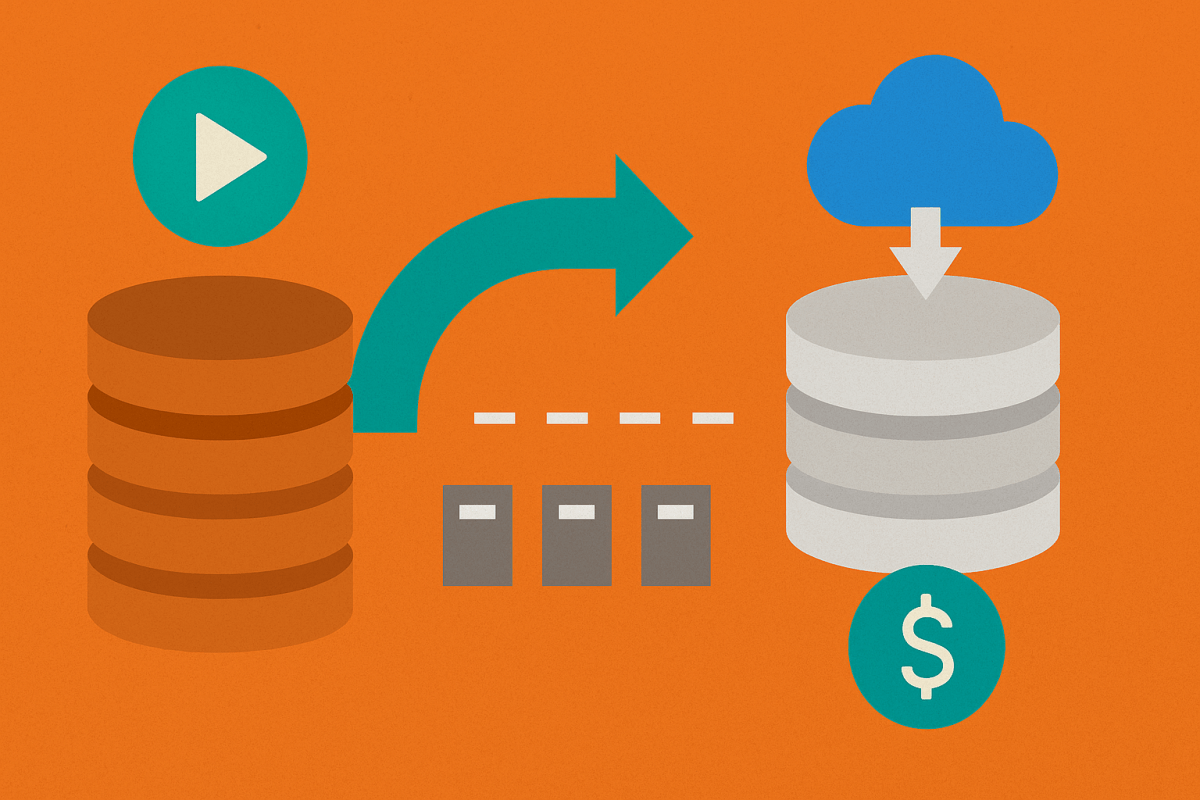
For years, “Bronze” quietly became a parking lot for periodic snapshots: copy a slice from the source every hour/day, write new files, repeat. It worked, but it was noisy and expensive—lots of hot storage, lots of ingest compute, and a tendency to let “temporary” landing data turn into de‑facto history.
Fabric upends that with two primitives that encourage Zero Unmanaged Copies:
- Mirroring: a service‑managed, near–real‑time replica of your database/tables into OneLake, with replication compute included and a capacity‑based allowance of free mirrored storage (1 TB per CU; e.g., an F64 includes 64 TB just for mirrored replicas). You still pay for downstream query/transform compute, but not for the continuous ingest job itself. Retention for mirrored data is explicitly managed and—by default for new mirrors since mid‑June 2025—kept lean (1 day) unless you raise it.
- Shortcuts: pointers that let Fabric read in place from ADLS/S3/other OneLake locations (and even across tenants via External Data Sharing, which creates a shortcut in the consumer’s tenant rather than duplicating data). That means zero OneLake bytes for the data itself; you pay storage where the data already lives, and Fabric charges only for the compute you use to read/transform it.
Add Real‑Time Intelligence/Eventhouse or Eventstreams, and “Bronze” becomes the live edge: the freshest, governed view of your sources—either replicated (Mirroring) or virtualized (Shortcuts)—instead of a pile of periodic copies.
Storage
OneLake is priced like hot object storage and charges for BCDR replication if you enable it. That makes the “write another snapshot” habit add up quickly because every run lays down new bytes in the most expensive tier. The official pricing page currently lists OneLake storage around $0.023/GB‑month and OneLake BCDR storage around $0.0414/GB‑month (US pricing; check your region and things can and will change).
- With Mirroring, storage for replicas is free up to a capacity‑based limit (1 TB per CU), and the service auto‑vacuums old files per your retention so mirrored data doesn’t quietly balloon. If you exceed the free allowance or pause capacity, mirrored bytes bill at normal OneLake rates.
- With Shortcuts, OneLake stores no copy of your data. You avoid OneLake storage charges entirely for that dataset (though external egress/reads can apply at the source; S3 shortcuts even use caching to reduce egress).
- If you also turn on BCDR for your capacity, Fabric geo‑duplicates OneLake data to a paired Azure region. Great for continuity, but it’s a separate storage meter—and still not an archive.
Compute
In the snapshot era, you paid to land data: pipeline runs, Spark jobs, file optimization, and metadata churn—every time. In the live‑edge model:
- Mirroring’s replication compute is included (doesn’t consume your capacity); you pay only for what you do with the mirrored data (SQL, Spark, Power BI).
- Shortcuts eliminate ingest compute altogether; you only pay the capacity used to read/transform. (Capacity Units are the meter for all Fabric work.)
Bronze isn’t your archive anymore (and that’s good)
When Bronze is the live edge, history lives elsewhere on purpose:
- Keep immutable snapshots (daily/weekly/monthly) in ADLS/Blob cool, cold, or archive tiers via lifecycle rules. Archive is offline by design—you must rehydrate before reading—exactly what you want for compliance‑grade retention, not for day‑to‑day analytics.
- When you do need to inspect or backfill from history, expose the cold data with a Shortcut and read it in place. You’re not dragging it back into hot OneLake storage, and you’re not teaching Bronze to hoard.
Two more practical guardrails keep the roles clean:
- Delta table maintenance in OneLake vacuums unreferenced files beyond the retention window (default 7 days for standard lakehouse tables). That preserves time travel for a short window but is not a long‑term backup strategy.
- Warehouses offer restore points and time travel, but they’re time‑bounded (default 30 days). That’s for operational recovery—not for multi‑year retention.
Getting to Silver when Bronze is live
With Bronze feeding you current truth, Silver is where facts get durable meaning: dedupe, keys, late‑arrival logic, conforming, and time semantics. The mechanics shift from bulk rewrites to incremental movement and managedmaterialization:
- Delta Change Data Feed on your mirrored/landing Delta tables lets you pull only inserts/updates/deletes since the last commit and
MERGEthem into Silver. You preserve freshness without paying to reprocess whole tables. - Materialized Lake Views (preview) give you a declarative Silver: define transformations once; Fabric maintains the materialization for you as sources change. That’s “copies with a custodian,” not another hand‑rolled staging layer.
For short‑term analysis or testing, zero‑copy clones in Warehouse are handy (metadata‑only references to the same files)—fast and cheap, but still not an archive.
Why this matters for your bill and your backlog
- The old snapshot‑into‑Bronze pattern makes you pay twice: once to write new hot bytes, again to compute the ingest—forever.
- Mirroring + Shortcuts flip that: pay once to keep data live, then spend your capacity on shaping that data into value. Storage either stays lean in OneLake (Mirroring, with explicit retention and a free quota) or lives where it already is (Shortcuts). Compute is concentrated where it belongs—in Silver—not in endless landing jobs.
The practical takeaway is simple: treat Bronze as a landing edge with governance and lineage, not a warehouse of yesterday’s files. Put archives where archives belong (cool/cold/archive) and surface them with Shortcuts when you need them. Use Mirroring for low‑latency analytics copies that the platform itself prunes and protects. Then build Silver incrementally with CDF or MLVs so every CU you spend moves data closer to meaning, not just into yet another folder.
If you’ve been snapshotting because “that’s how we’ve always done it,” this is your permission slip to stop. Bronze is live now—let it be live.

 EduDataSci - Educating the world about data and leadership